Standard
10 credits / listing
For your everyday listing draft.
- Item details from your photos
- Titles and marketplace copy
For eBay, Vinted & Kleinanzeigen
Create listing drafts for eBay, Vinted and Kleinanzeigen. Connect your eBay account to view active listings and orders, with optional regular read-only sync.
Up to 3 standard listings free every day
30 credits per day · 10 per standard listing
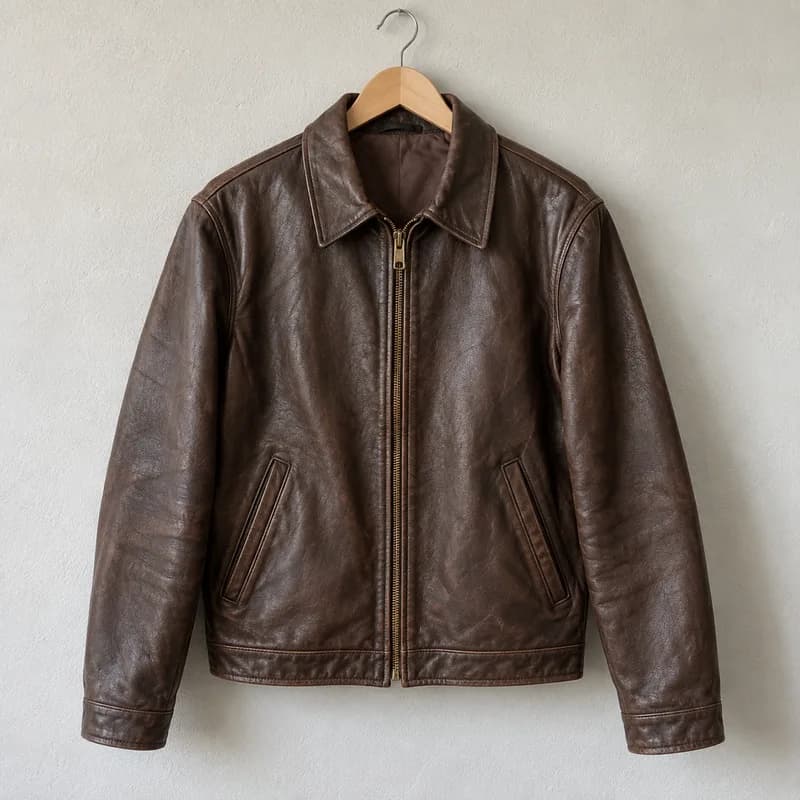 01
01Title
Description
Brown leather jacket in size M with a classic collar and zip fastening. Very good condition with a natural patina.
Save a draft with your connected eBay account. Review it before publishing.
Choose an item. Switch marketplace. Explore your draft.
With your eBay account
Connect eBay to view your active listings and orders in CrowFlip. Turn on the optional, read-only background sync when you need it.
You can also edit and publish supported offers. These are separate actions you confirm, not part of read-only sync.
Read-only. Your offers remain unchanged.
Example: last pass completed 3 minutes ago.
Simplified example, not a live account. Your dashboard shows actual fetch status and any errors.
ChatGPT · MCP · Plugin — in preparation
Find drafts, check job progress and research active eBay asking prices: we are preparing CrowFlip for ChatGPT. The connection is not yet publicly available.
Explore ChatGPT, MCP & pluginExample prompt
“Show me my last three CrowFlip drafts.”
The first version reads authorized previews. Editing and publishing remain steps in CrowFlip.
Group the photos of your items. CrowFlip prepares the images, title, description and suggested price. You review everything before publishing.
Camera
Jacket
Up to 60 photos for multiple items in one batch.
Group photos of the same item together, for example 4–6 images. Group them yourself or review the AI's suggestion.
Match the lighting, optionally remove backgrounds and crop around the subject. Keep your originals.
Images, title, description and price guidance from active eBay listings stay together. You review them before publishing.
Every plan · Free: 5 stored listings
Batches, originals and presets stay saved in this browser. Continue working on unfinished items after reloading. This batch is unavailable on another device or after clearing browser data.
Background removal runs locally; the browser downloads the model and runtime on first use. Check thin cables and transparent edges. The photo studio also lets you straighten, rotate, mirror, crop with rule-of-thirds guides and apply a consistent look to the series.
Price guidance uses active eBay listings. Check sold items through a search link. Confirm product details, condition, required information and price before publishing.
Two scan modes
Choose the mode that suits your item. Both create an editable draft.
All credits and pricing10 credits / listing
For your everyday listing draft.
25 credits / listing
For items that need a closer look.
The additional review can still miss errors. Check product details and required information before publishing.
Before and after the listing
Free · PDF
Add line items, check the preview and download your invoice as a PDF.
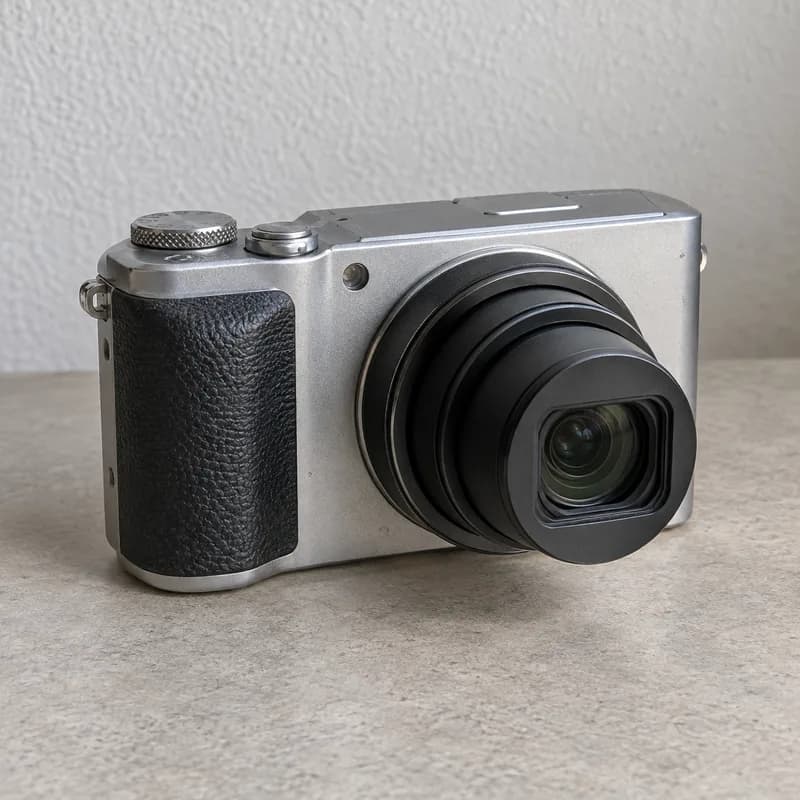
Create an invoiceCompact camera
Purchase price
€35.00
Example data · AI-generated photo
2 credits / scan
Start with a photo and purchase price. Estimates use active eBay listings; actual sale prices can differ.
Open deal scannerExample calculation
Free · Calculator
Account for your purchase, shipping and packaging. See what remains from your Kleinanzeigen sale.
Calculate profitBefore you list: choose a marketplace and factor in shipping costs.
Try it free, decide later.
Your free account tops up to 30 credits every day. That covers up to 3 standard listings when you do not use other AI features. PDF invoices are always free.
Your next step
Start free and test the complete workflow with a real product.